Displaying K4 Spectrum in N1MM

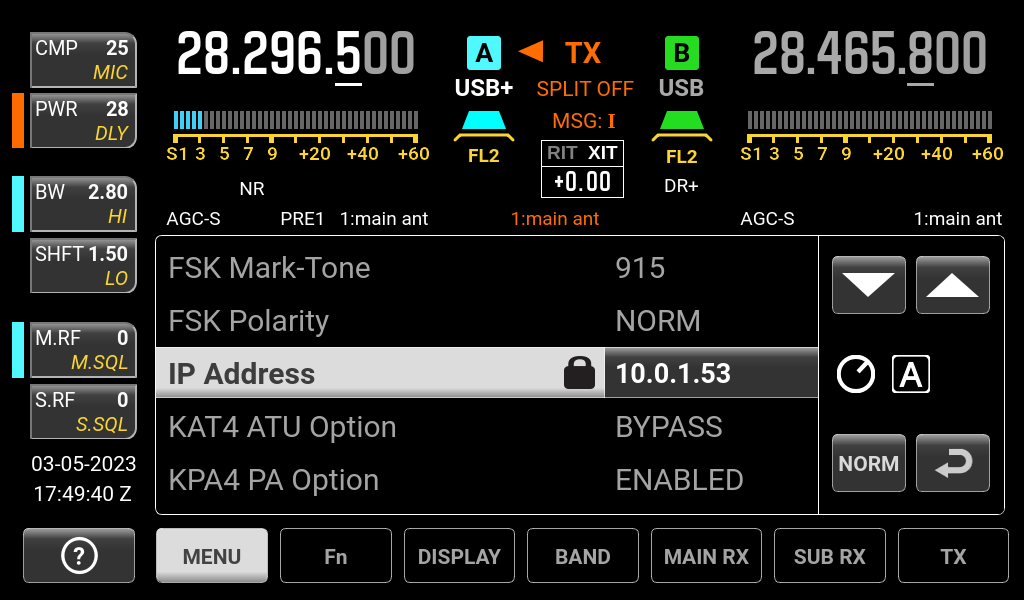
In mid-December 2022, N1MM (version 1.0.9758) introduced a spectrum display option supporting the Elecraft K4 radio. Below is a walk-through on setting it up. For this to work, your radio will need to be connected to your local network. You can check this by tapping the Menu option and scrolling to the middle. You should see a valid IP address like in the screenshot above. If you use a firewall (e.g., Firewalla Gold), you will also need to allow communication between devices on the port 9200. ...
March 1, 2023 · wt8p

Configuring N1MM+ CW for the Elecraft K4

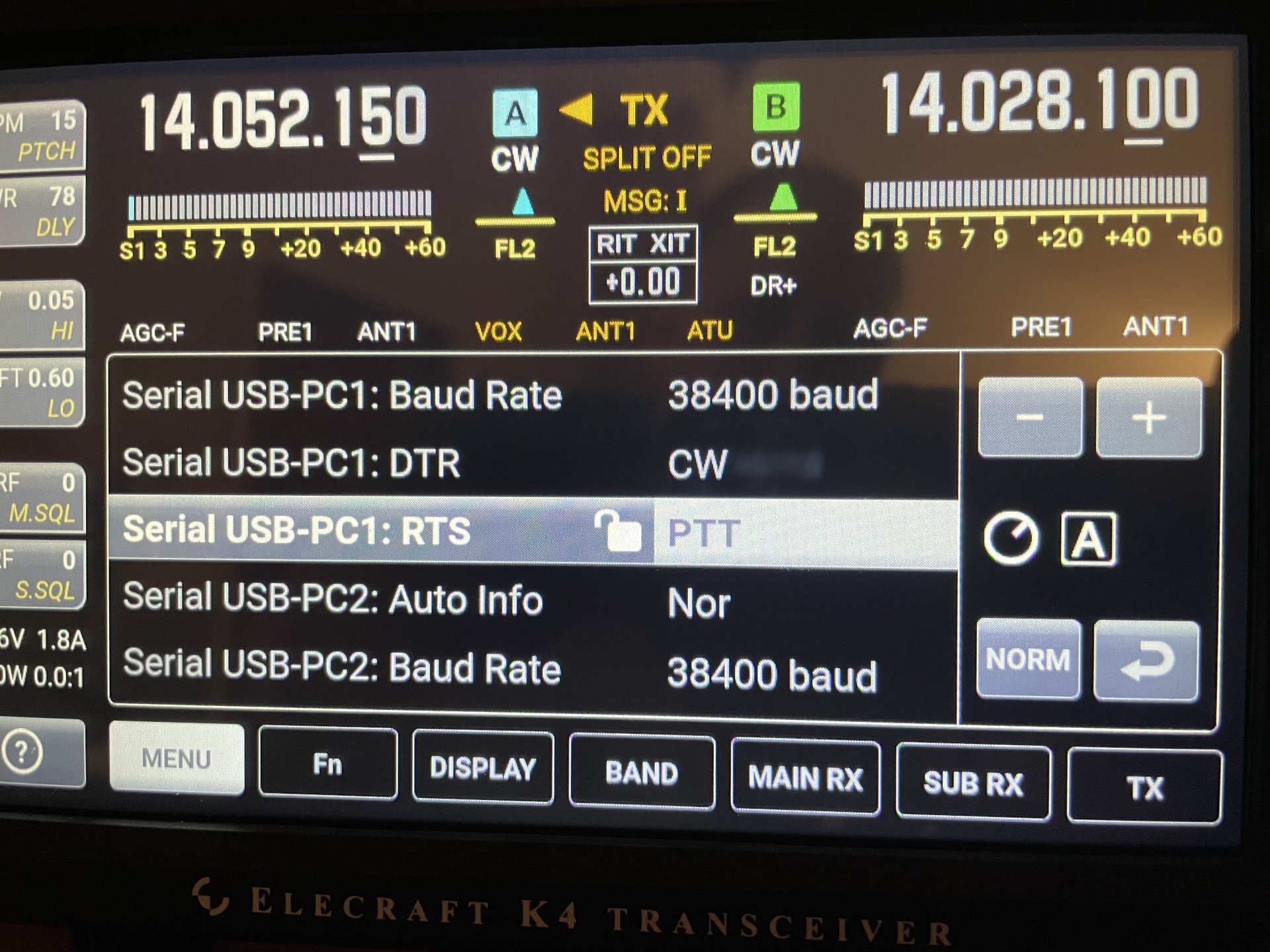
Newer update here. With my KX3, using N1MM+ to manage CW sending was accomplished via an indirect set of KX3 macros and keyboard sequences. Thus, we had this awfulness: F1 CQ,{CATA1ASC KY CQ SST * ;} F2 Exch,{CATA1ASC KY TU {EXCH};} F3 Tu,{CATA1ASC KY tu * ;} Bob (N6TV) presented at the Spokane DX Association and mentioned this on slides 52, 62, and 63 of his presentation. There is a lot of good information in his presentation, and you should view it. For my notes to self, the configuration is thus: ...

March 6, 2022 · wt8p

Configuring Elecraft K4D for WSJTX / FT8

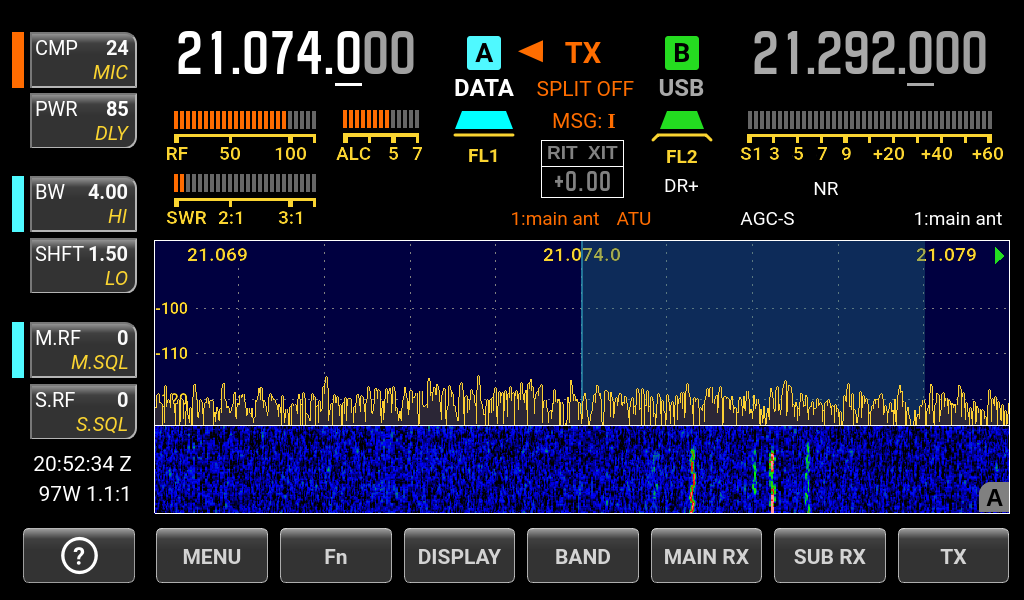
After a year, my new Elecraft K4D has arrived. To any new owner, I’d highly recommend grabbing Bob (N6TV’s) general setup checklist. There are also some great presentations on Bob’s QRZ page. **2022-08-13:**This guide is intentionally detailed to ensure that you have everything you need to be successful. Nearly all of the issues that folks have contacted me about are a result of skipping an important step. The top three items: COM port changed when you plug the USB into a different physical socket (you will need to re-map the devices – blame Windows); audio volume management; IP address versus hostname. While I’m happy to help, please check that you haven’t skipped a step. ...

March 4, 2022 · wt8p